
























Vehicle check
WAUZZZ8V5KA012345
- Recalls2
- Complaints14
- Reliability4/5
Export PDF
Saved cars are watched for recalls, with notifications.


iOS & Android app · 20 languages
Scan a VIN, look up a part number, open tappable exploded diagrams and read diagnostic fault codes — in one app built for mechanics, workshops and apprentices.
3-day free trial, full catalogue unlocked
Every way in, in one app
A VIN, a number stamped on a part, a fault code you just read, or simply the name of a make — T2Car takes you to the right drawing, the right part number, the right document.
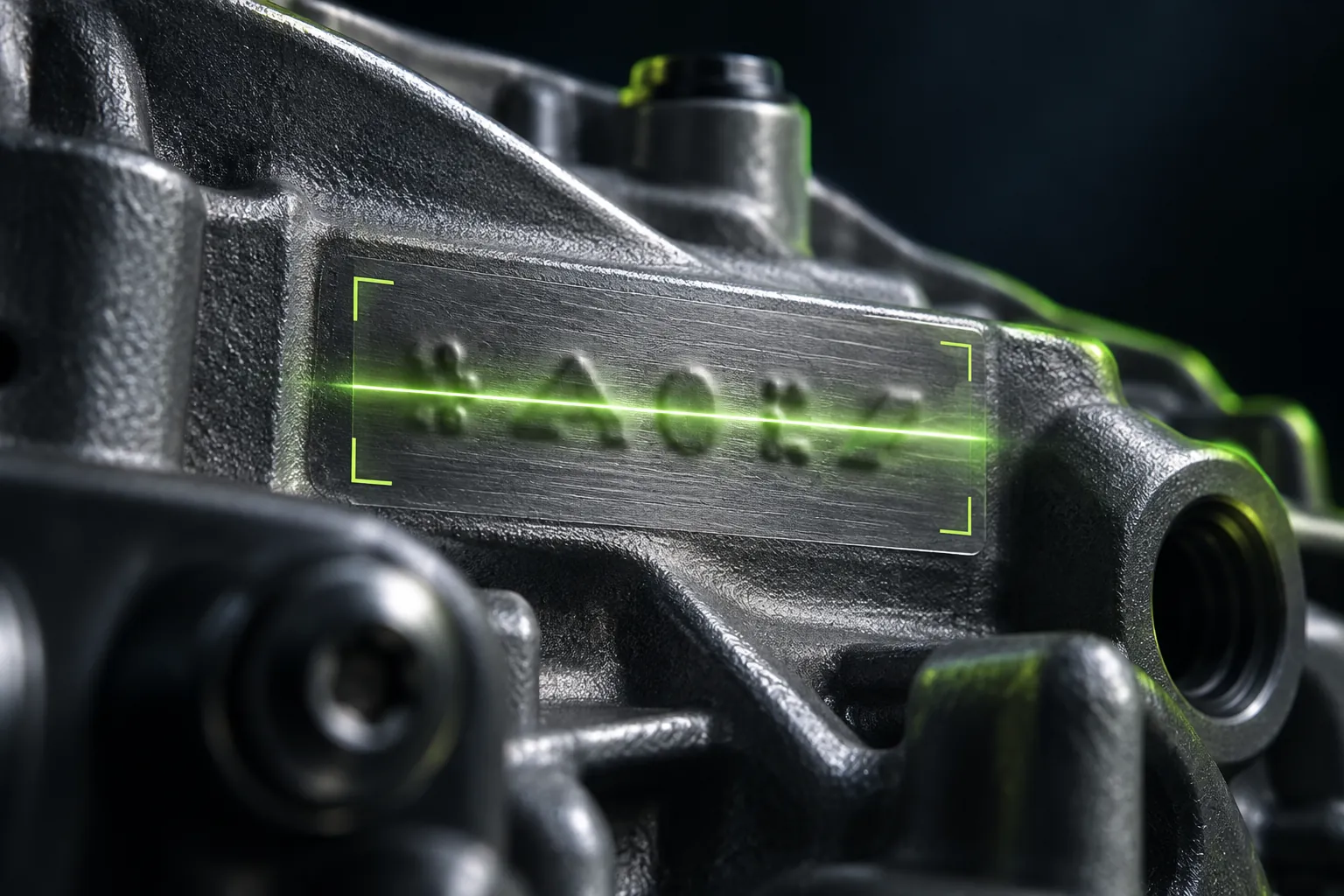
Point the camera at a stamped number, a label or a barcode — the app reads it and checks it against the catalogue straight away.
Learn moreType or scan a VIN to get the exact car: identification, production date, equipment and the matching variants in the catalogue.
Learn moreZoom into the drawing and tap a callout number to highlight the part; tap a part row to see where it sits in the picture.
Learn moreSearch by number or by name. Each part comes with the model lines it fits, replacement numbers and specifications.
Learn moreLook up OBD-II codes by the SAE J2012 standard or by description, with common causes, manufacturer codes and diagnostic data by module.
Learn moreRelays, fuses, sensors and other electrical parts, sorted into groups, across every make in your plan.
Learn moreWorkshop documents, courses, research, repair and pinouts — all on one document shelf.
Learn moreFor model lines not yet in the parts catalogue: recalls, complaints, technical service bulletins, safety ratings, fuel economy and dimensions.
Learn moreJob cards by customer, plate and vehicle; saved vehicles and parts; notes; members — synced across all your devices.
Learn moreSwitch languages right in the app without reopening it — even right-to-left Arabic.
Learn moreScan
Photograph the VIN plate or pick a photo you already have. T2Car reads the VIN, corrects I to 1 and O and Q to 0, and opens the vehicle card.
VIN recognisedAudi A3 (8V) · 2019
Misread character fixedO → 0
The camera reads the VIN WAUZZZ8V5KA012345 and opens the vehicle card. Illustrative example
Try it now
It all runs in your browser. It shows the manufacturer, place of manufacture and plant code, and the model year only when it is certain.
Runs entirely in your browser. The VIN is not sent anywhere.
Exploded diagrams
Every drawing in the app is built this way: parts spread apart along a single axis, each with its own callout number — tap it to get the part number.
Tap a callout numberGets the part number
ZoomSee every detail
Part number lookup
No need to know the car, no need to open a table of contents. A part number is all it takes to see which diagram the part sits in, which engines it fits, and its dimensions and thread.
Engine oil filter
Group 115 — Lubrication
Fits
06H 115 561 B isn't in this demo
This page holds a single sample record. The full catalogue lives in the app — and everything is unlocked for the first three days.
Diagnostic trouble codes
A scan tool returns a string like P0301. Under SAE J2012, each character tells you one thing. Tap a character to see what it says.
System
Powertrain — engine and transmission
B body · C chassis · U network communication
The app has 12,057 generic codes, plus manufacturer codes and common causes for each make where available. A code narrows down the fault; the rest is still hands-on checking on the car.
Wiring
For the cars T2Car holds wiring documents for: open the fuse box, zoom to a single fuse and read the connector pins right in your hand.
Selected fuseF23 · 15 A · Fuel pump
Opens the fuse box, zooms to fuse F23 and shows the connector pins. Illustrative example
Cars and jobs
Check a used car by VIN: recalls, complaints, reliability, PDF export. Then keep the job tickets and saved parts for each car.
WAUZZZ8V5KA012345
Export PDF
Saved cars are watched for recalls, with notifications.
Illustrative example
Inside the app
T2Car's tab bar follows the order of a real repair job: find the car, read the code, check the documents, record the work.
Catalogue
Pick a make and model line, then filter variants by market, model year, engine, fuel and transmission. Each vehicle opens up by system, part group and specifications.
The real app
By system
Twelve systems every mechanic knows, alongside each make's own group tree.
 EngineBlock, cylinder head, camshaft, pistons
 BrakesRotors, pads, cylinders, ABS
 ElectricalBattery, wiring harnesses, fuses, control units
 TransmissionGears, synchros, differential
 ChassisShock absorbers, springs, A-arms
 BodyBody shell, hinges, locks, plastic clips
 CoolingRadiator, fan, water pump, thermostat
 ClimateCompressor, condenser, evaporator
 SteeringSteering wheel, column, steering rack
 InteriorSeats, dashboard, trim, seat belts
 Fuel and exhaustPump, injectors, exhaust pipes, catalytic converter
 AccessoriesRoof racks, floor mats, genuine accessories
 OtherGroups not yet sorted into the twelve systems
Makes
80 makes in the catalogue — from passenger cars to trucks and construction equipment.
 Toyota144 modelsWith exploded diagrams
 Hyundai86 modelsWith exploded diagrams
 Ford88 modelsWith exploded diagrams
 Audi54 modelsWith exploded diagrams
 BMW32 modelsWith exploded diagrams
 Mercedes-Benz24 modelsWith exploded diagrams
and 74 more makes in the app
How it works
Four steps, and none of them starts at a table of contents.
Pick the make, model line and variant, or scan the VIN to jump straight to the exact build.
Browse by workshop system, or by the catalogue's original group tree.
Tap a callout number to get the part; tap a part to see where it sits on the drawing.
Pin the vehicle and part numbers, then attach them to a job card to take to the parts counter or send to the customer.
Who it's for
Whatever assembly you've stripped down to, open the drawing for exactly that assembly and tap a part to get its number — no flipping through manuals or calling the parts counter.
Type or scan the number printed on the parts box and instantly see which diagram the part is in, which engines it fits, and its thread and dimensions.
Starting from the code the tool just read, see what each character means, then move on to the documents and diagrams for the related system on the exact car you're working on.
Customers
Reviews picked for the home page are rewarded with 3 months of VIP.
Free trial & membership
Every diagram and document is open for 3 days from your first sign-in on a device. After that, choose exactly the coverage you need.
Every diagram and document is open for 3 days from your first sign-in on this device.
Pick a make, then a weekly, monthly or yearly period. Unlocks diagrams, part numbers, VIN lookup and documents for that make alone.
Weekly · monthly · yearlyMade for workshops that see many makes: diagrams, part numbers, VIN lookup and documents for every make currently available.
Weekly · monthly · yearlyPlans are sold through Apple's In-App Purchase and you can cancel anytime in iOS Settings. One account is used on one device at a time.
Straight talk about coverage
66.4%
of vehicles have diagrams
2,593 of 3,907 vehicles in the catalogue
The rest are already in the T2Car catalogue but don't have a diagram yet — and the app says so right on screen instead of letting you tap in only to find it empty.
In the app
Not included
20 languages
Switch languages right in Account, no need to reopen the app — even right-to-left Arabic. This website speaks all 20 languages too, just like the app.
Arabic mirrors the whole layout, right to left.
The same app on iPhone and Android.
The same app on iPhone and Android.iPhone (Coming soon on the App Store) · Android
المسحArabic mirrors the whole layout, right to left.
FAQ
Yes. The first three days open the full catalogue; after that, a free account can view the Audi and BMW sample content in the app, with no daily limit on documents read. A membership unlocks more — it's sold through Apple's In-App Purchase and you can cancel anytime in iOS Settings.
The catalogue covers 80 makes, and 2,593 of 3,907 vehicles already have diagrams you can open. The rest are listed by name but don't have a diagram yet, and the app says so on screen.
T2Car compiles, normalizes and checks all of its data — diagrams, part numbers, fault codes and vehicle records — in its own system. Fault codes follow the SAE J2012 standard. Make names and logos belong to their respective owners.
Technical documents are viewed directly in the T2Car app, based on your account's access. This website introduces the product and explains how to use it; it doesn't offer technical documents for download.
The app doesn't track you, uses no third-party analytics SDKs, shows no ads and doesn't sell data. It sends T2Car's own usage figures to the T2Car server, such as app opens, sessions, and the vehicle pages and diagrams you've opened. When you sign in or sync your work, the necessary data is sent to the server to provide your account and the service; photos are uploaded only when you use photo recognition. See the Privacy Policy for details.
Privacy Policy20 languages: Tiếng Việt, English, 简体中文, 繁體中文, 日本語, 한국어, ไทย, Bahasa Melayu, ខ្មែរ, Bahasa Indonesia, Deutsch, Français, Español, Português (Brasil), Português (Portugal), Italiano, Polski, Nederlands, Türkçe and العربية. Switch anytime in Account.
One account is used on one device at a time. Your data in Work is synced, so when you switch to another device you still have all your vehicles, parts and job cards.
Yes. T2Car is on Google Play as well as the App Store. The iOS version requires iOS 16 or later; if installing gives you trouble, write to [email protected].
Get the app
Download T2Car, sign in with Apple and try a part number right away. The first three days open the full catalogue.
Requires iOS 16 or later · iPhone and iPad
 Kia53 models